
How to buy workspace?
Purchasing a Workspace in Bizplanr gives you a dedicated space to create business plans and build financial forecasts — all in one place.
Bizplanr offers a one-time workspace purchase. There is no recurring subscription.
NOTE: If you need to purchase an additional workspace, you can follow the same steps outlined below.
Steps to purchase a workspace
- 1
-
Create your Bizplanr account. If you don't already have an account, click here to sign up.

- Google Account: Sign in quickly using your existing Google account for fast and secure access without creating a new password.
- 2
-
After setting up your account, log in to your account using this link: https://app.bizplanr.ai/auth/login
- 3
-
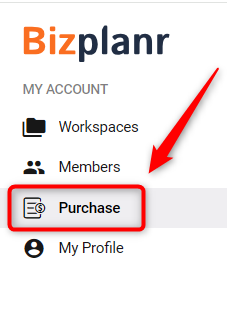
After logging in, click on the Purchase option from the left sidebar.
- 4
-
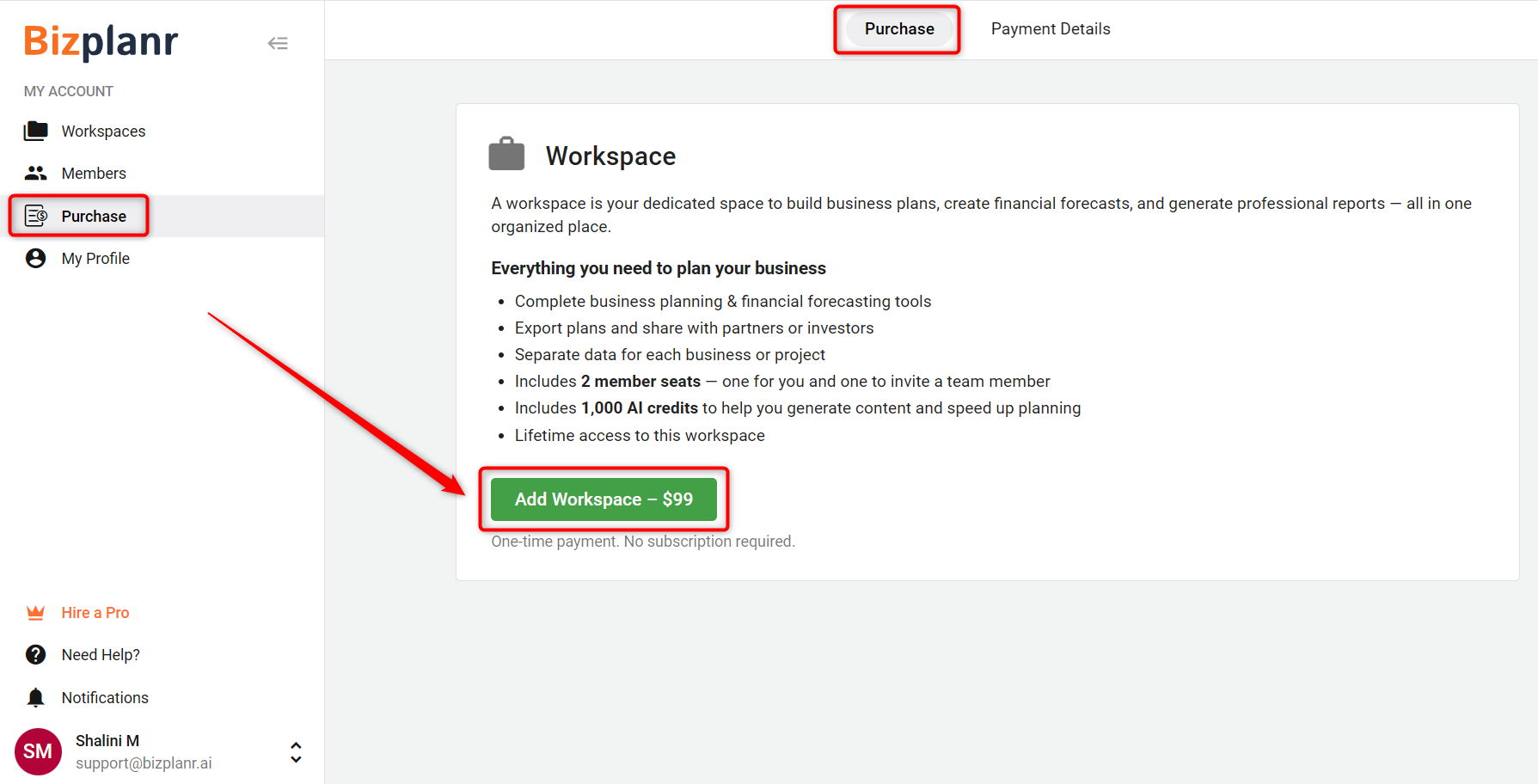
On the Purchase page, click on the Add Workspace button.
- 5
-
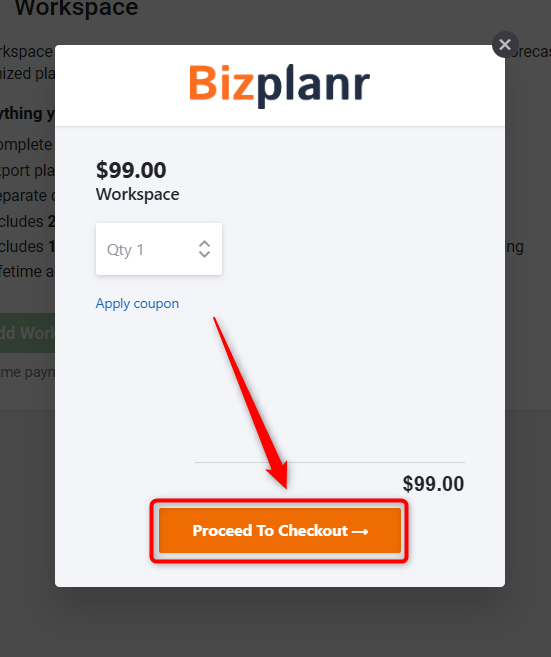
In the checkout popup, review the details and click on Proceed To Checkout.
- 6
-
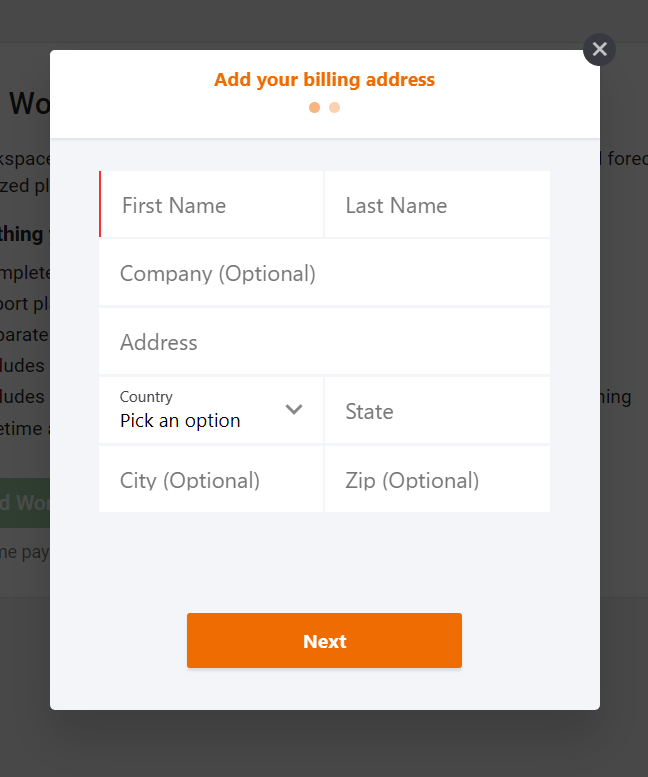
Enter your payment details and complete the transaction.
- 7
-
Once the payment is successful, you can immediately create and start using your new workspace.
After completing these steps, your workspace will be ready for you to start building your business plan and financial projections.