
How to rename a Workspace?
Workspaces in BIzplanr represent businesses or business plans. If you need to update the business name or correct a typo, you can easily rename your Workspace from the Workspace Details section.
Renaming a Workspace ensures that your workspace reflects the right business identity for better organization and clarity.
Steps to rename a Workspace
- 1
-
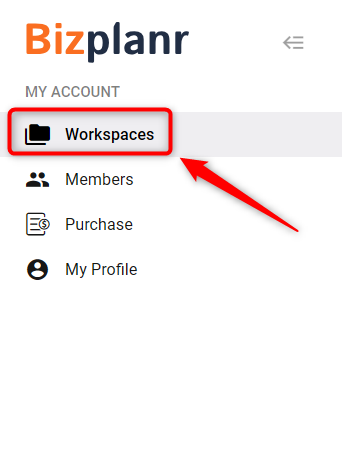
From the left panel, click on Workspaces to view the list of available workspaces.
- 2
-
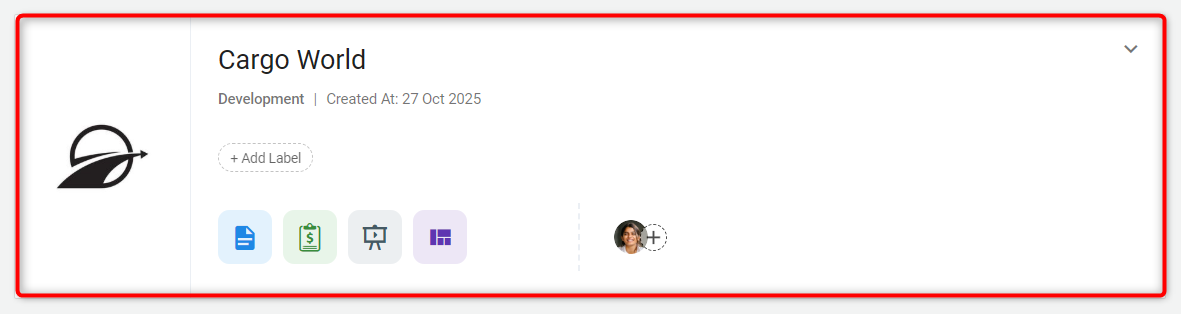
From the list of available workspaces, click on the one you wish to rename.
- 3
-
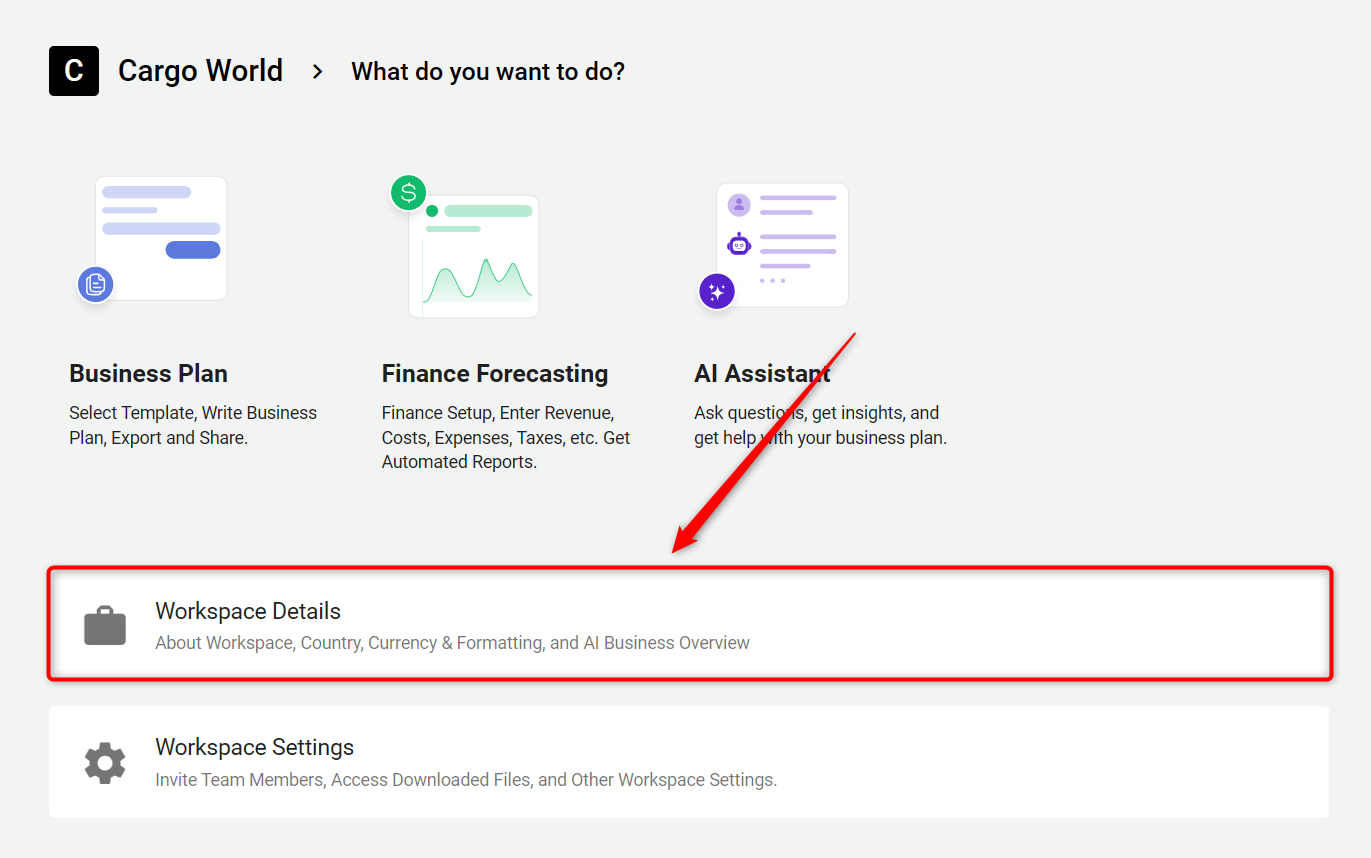
Once the Workspace is open, you’ll see two options: Workspace Details and Workspace Settings. Click on Workspace Details.
- 4
-
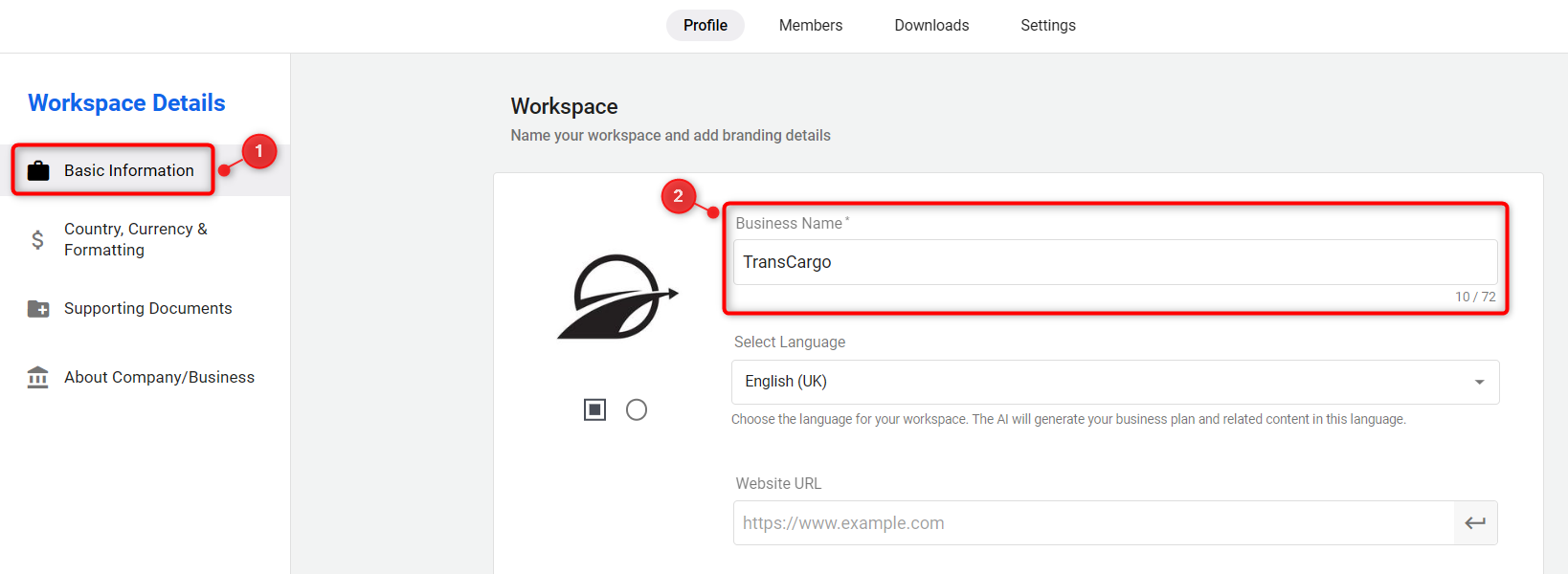
On the next page, the Basic Information section is selected by default. On the right side, update the Business Name field to rename your Workspace.
- 5
-
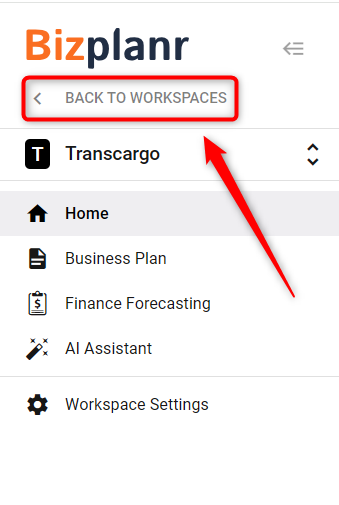
Click on the BACK TO WORKSPACES option in the left panel to return to the list of workspaces.
- 6
-
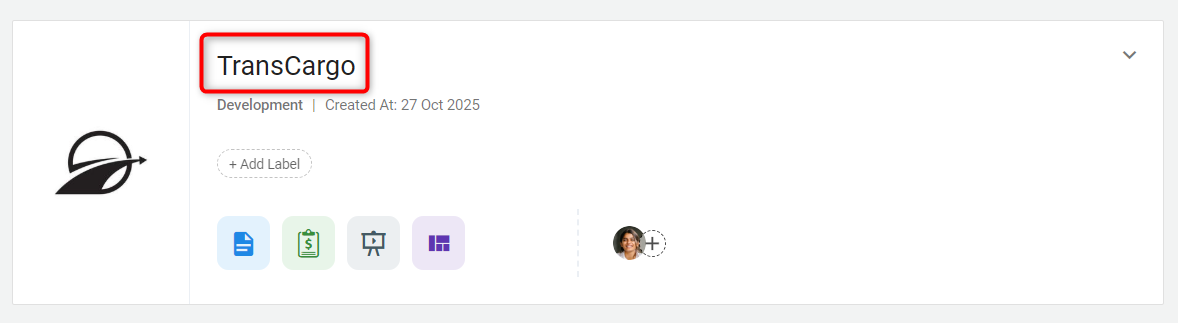
You will now see that your Workspace name has been updated. Each Workspace represents a business or a business plan, so changing the business name updates the workspace name as well.
TIP: Make sure to use the exact business name as you want it to appear in reports, plans, and shared documents for consistency.
That’s it! You have successfully renamed your Workspace to reflect the correct business name.